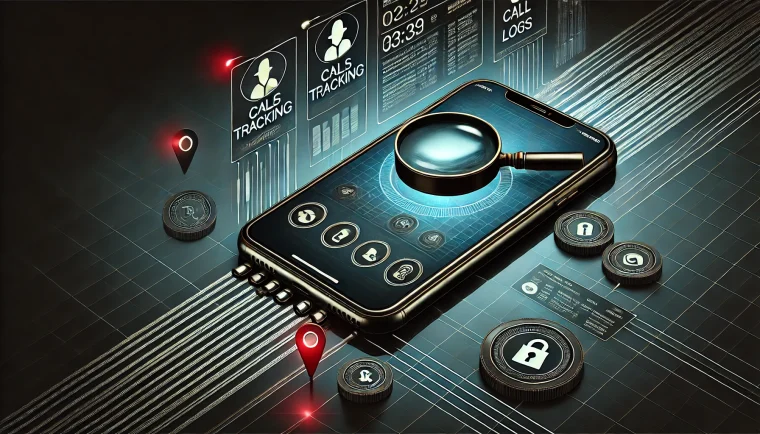
Perhaps you've seen the promise of turning your cell phone into a metal detector and going treasure hunting on the beach. The truth of this story is smaller—and far more useful—than the advertising suggests. Your smartphone does have a sensor capable of detecting metal, but it works within a few centimeters and only detects one specific type of material.
In this text, we explain, without beating around the bush, what the cell phone sensor really does, what it's used for in everyday life, what it definitely doesn't do, and what equipment to use when the task is serious. We also list... apps that are available in stores today and deliver on their promises.
How cell phones detect metal: the magnetometer.
Almost all smartphone It has a magnetometer. It's the same sensor that makes a compass work: it measures the magnetic field around the device, in microtesla (µT). Under normal conditions, in an open environment, it reads the Earth's magnetic field, something around 25 to 65 µT.
When you bring your cell phone close to an object made of ferromagnetic material—iron, steel, nickel—that object distorts the local magnetic field. The app reads the variation, compares it to a reference reading, and alerts you with sound, vibration, or a pointer on the screen. That's all. There's no coil, no signal emission, no radar: the cell phone simply listens for a change in the magnetic field.
This technical difference explains all the limitations that follow. A professional metal detector emits an electromagnetic field and measures the echo that returns from conductive objects. A cell phone emits nothing—that's why its range is short and its selectivity is low.
What do these apps actually find?
Within the actual range, which is around 2 to 10 centimeters depending on the size of the component and the quality of the sensor, you can do some pretty useful things:
- Finding a nail and screw in the wall: By slowly running your phone over the plaster or stucco, the nails that hold the drywall to the stud become visible. This helps locate the metal stud before drilling.
- Locate drywall stud and metal profile: In ceilings and partitions, the galvanized steel profiles that structure the sheet usually give a clear signal. However, in masonry walls, the concrete beams and reinforcement are too deep for the sensor to reach.
- Find shallow metal conduit and junction box: When the installation uses steel conduit, the sensor detects it.
- Looking for a small object that has fallen: A key, coin, screw, or needle in the carpet, on the sofa, in the backyard grass, or in the toolbox.
- Check if a part is made of steel: Holding your phone up to it and watching the pointer move up is a quick test, although a simple magnet does the same.
What your phone can't do — and no app can fix.
Here's the part that advertising usually omits. No app can bypass these limitations because they are sensor-related, not software-related:
- You won't find gold. Gold is not ferromagnetic. It does not distort the magnetic field in a way perceptible to the magnetometer. The same is true for silver, copper, aluminum, and bronze. An app that claims to "find gold" is promising something physically impossible for that sensor.
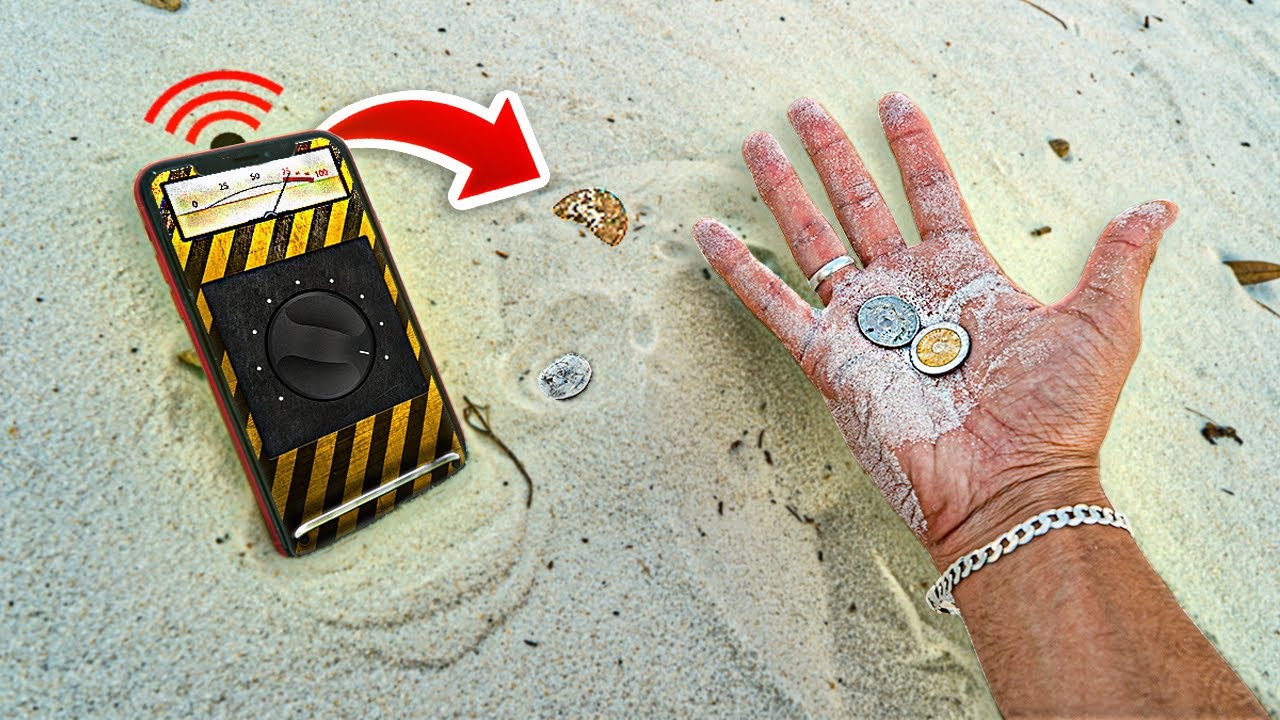
- It doesn't detect anything buried. There's no underground detection. A coin 20 cm deep in the sand on the beach? It won't show up.
- You don't see any PVC, PEX, or PPR pipes. Plastic doesn't respond magnetically. And most residential plumbing in Brazil is made of plastic.
- It is not a substitute for a metal detector or pipe locator. It doesn't measure depth, it doesn't distinguish between types of metal, and it doesn't work on thick concrete walls.
- It is not reliable near electronics. Speakers, case magnets, chargers, and the device's own structure can generate false positives.
How to improve reading
Remove the phone case, especially if it has a magnet or metal ring. Calibrate the compass by making a figure-eight motion in the air before starting. Find the magnetometer on your model—it's usually on the top of the device—and use that area as a probe. Then, move the phone very slowly while it's resting on the surface.
Real-life metal detector apps
- Metal detector (Smart Tools co.): Free on Android. Displays readings in µT with a pointer and audible alarm. One of the most downloaded in its category and one of the most honest in its description.
- Metal detector (ExaTools): Free on Android, simple interface, with measurement history and sensitivity adjustment.
- Physics Toolbox Magnetometer: free, for Android and iphone. It displays the raw graph of the magnetic field on all three axes and allows you to export the data. It is the most transparent of all, because it doesn't hide the measurement behind an animation.
- Smart Metal Detector: Free option for iPhone, with µT reading and audible alert.
When you need real equipment.
If the goal is to search for buried objects, there are coil metal detectors, with VLF or pulse induction technology. Brands like Garrett, Nokta, and Minelab have entry-level models that can find coins at a depth of 15 or 20 centimeters and can discriminate between iron and non-ferrous metals—including gold.
For wall work, the right equipment is a wall detector, also called a wall scanner. Bosch, Stanley, and Vonder sell models that locate metal, wood, and live wiring with depth indication—something no cell phone can do. To find buried water pipes or leaks, a professional using a geophone, inspection camera, or thermography is the one to solve the problem.
A reminder about the rules.
Even when playing around, respect local rules. Archaeological sites, protected beaches, parks, and protected areas have restrictions or prohibitions on searching for objects, and archaeological heritage is protected by law in Brazil. On private property, ask the owner for permission beforehand.
Conclusion
Detecting metals with a cell phone is possible within a narrow scope: ferromagnetic material, a few centimeters away, without measuring depth. Within this scope, it's very useful for finding a nail before drilling into the wall, locating a metal profile, or retrieving a key that disappeared under the carpet—and it's a fun game to play with children.
Outside of its intended purpose, the app doesn't deliver. It won't find gold, sweep the beach, or spot PVC pipes inside walls. Knowing this, you can use the tool for what it is and avoid wasting time—or money—on promises that physics can't support.
Before deciding, check these points.
- Last updated and supported. An application without a recent update tends to break with the next system version.
- Billing model. Check if it's free with ads, pay-per-view, or subscription-based — and the price range for in-app purchases.
- Permissions requested. An app should only request what it needs to function. Requests for access to contacts, messages, or accessibility without reason are a red flag.
- What the app actually does. Compare the description on the store page with recent reviews. The difference between the two often reveals what the advertisement omits.
What these apps don't do
Every category has a limit, and knowing this one's limit saves time and money by avoiding those who promise more than what's available.
- They can't do what the device's hardware doesn't allow. A feature without a corresponding sensor doesn't exist in software.
- The free version often limits exports, applies a watermark, or restricts the number of uses per day.
- A high rating in the store doesn't guarantee quality: it's worth reading recent, negative reviews.
- An app that promises impossible results usually exists only to display advertising.
Frequently Asked Questions
Is the app free?
Generally, the download is limited or may include advertising. Check the price range for in-app purchases on the store page.
Does it take up a lot of space?
The size appears in the store, but it increases with use due to caching. Clearing the cache frees up space without losing settings.
Is there a native alternative?
It's worth checking out. Android and iOS come with several ready-made functions that eliminate the need to install another app.
Does it consume a lot of battery?
Check the usage per app in the settings and restrict background activity for any that are high.
Does it work without internet?
It depends: those that process on the device work offline; those that depend on a server require an internet connection.