Changing your voice on your cell phone can be a fun and useful experience in many situations. Whether it's to prank friends, create unique content for social media or just explore your creativity, voice changing apps are becoming increasingly popular. Fortunately, there are several free options available that allow you to quickly and easily change your voice directly from your cell phone.
In this article, we'll explore some of the best free voice changing apps, highlighting their main features and how they can be used. Additionally, we will cover how these applications can be useful in different contexts, providing a fun and innovative experience. So if you're looking for a free voice app to modify your voice in real time or create funny voice effects, keep reading!
Top apps to change your voice on your cell phone
There are several applications available to modify your voice on your cell phone, each with its unique characteristics. Below, we list five of the best voice changing apps, explaining their features and how to use them.
Voice Changer with Effects
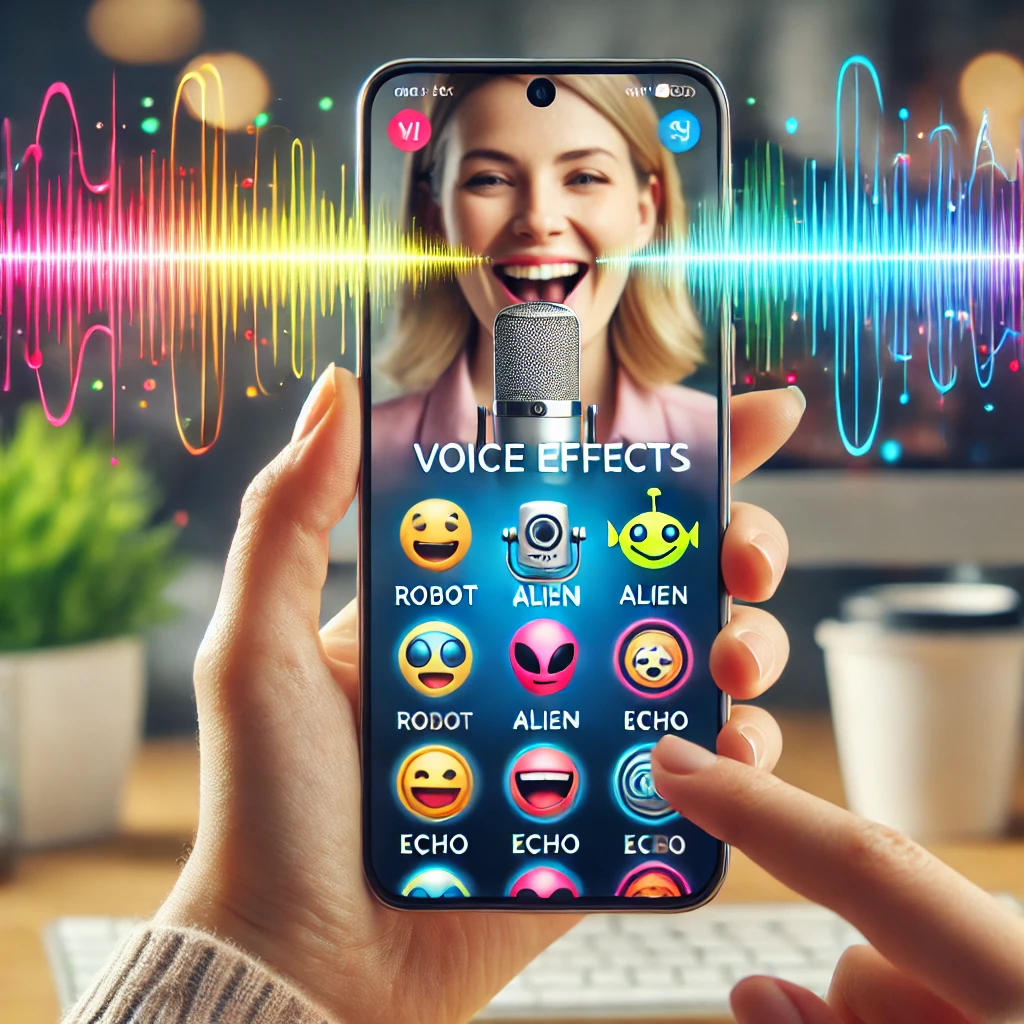
Voice Changer with Effects is one of the most popular voice changer apps available for free. This application allows users to record their voices and apply different effects, such as robot, alien, echo, among others.
Furthermore, the application has a simple and intuitive interface, making it easy for anyone to use. With Voice Changer with Effects, you can modify your voice in real time and share your recordings directly on social media. This application is ideal for anyone who wants to create fun and unique content.
Funcalls – Funny Voice Calls
Another interesting application is Funcalls, which stands out for allowing you to change your voice in phone calls. With it, you can make calls with different voice effects, making conversations much more fun.
Funcalls offers a variety of options, such as a squirrel voice, a monster voice, or even a deeper voice. Additionally, the app is free to download and offers some basic functions at no cost, with in-app purchase options for additional features. If you want to prank your friends, this is the ideal app.
Voicemod Clips
Voicemod Clips is a voice effects app that allows you to create short videos with voice modifications. It's perfect for those who like to create content for platforms like TikTok, Instagram and Snapchat.
With Voicemod Clips, you can choose from several funny voice effect options and record them directly through the app. Furthermore, the app is free and easy to use, making it possible to create fun videos and share them quickly.
Call Voice Changer – IntCall
Call Voice Changer – IntCall is another excellent option for those who want to change their voice in real time during phone calls. This app allows you to change your voice while speaking, providing a unique and fun experience.
In addition to voice effects, IntCall offers the possibility of adding background sounds to your calls, such as laughter, applause, and other sound effects. The download is free, but calls are made via VoIP and consume paid credits purchased within the app; generally, only the initial trial is free.
RoboVox Voice Changer
Finally, we have RoboVox Voice Changer, a free voice app that offers a variety of vocal effects. With it, you can modify the voice and save it in different audio formats, as well as share directly on social media.
RoboVox has a user-friendly interface and several effect customization options, allowing you to create unique and funny voices. This app is perfect for anyone who wants to explore their creativity and create original content.
Features of voice changing apps
Voice changing apps offer several features that can be useful in various situations. One of the main features is the ability to modify your voice in real time, which can be particularly interesting for phone calls. Additionally, many applications allow you to record your voice and apply different effects later.
Another common feature is the ability to add background sounds, which can make recordings and calls even more fun. Some applications also offer direct sharing options to social networks, making it easier to share the content created. With these features, voice changing apps provide a fun and innovative experience for users.
Conclusion
Changing your voice on your cell phone can be a fun and creative way to interact with friends, create content for social media and explore new possibilities. With the apps mentioned in this article, you have several free options to modify your voice and add interesting effects.
Whether you want to play pranks, create funny videos, or simply explore your creativity, these voice changer apps are amazing and affordable tools. Try the suggested apps and find out which one best suits your needs. Have fun changing your voice and surprise your friends with the diverse possibilities offered by these incredible tools!
Before deciding, check these points.
- Update frequency. An app that hasn't been updated in over a year is likely to break with the next system version.
- Billing model. Check if it's free with ads, a one-time payment, or a subscription. Subscriptions for simple tasks rarely make sense.
- Does the system already do that?. Android and iOS both come with built-in flashlight, recorder, document scanner, meter, and QR code reader. It's worth checking before installing yet another app.
- Permissions that the application requests. It's the quickest test of reliability. A flashlight app that asks for contacts and location doesn't need that to work.
What these apps don't do
Every category has a limit, and knowing this one's limit saves time and money by avoiding those who promise more than what's available.
- No app actually increases battery capacity — what you can do is reduce consumption by turning off features.
- They are not a substitute for professional equipment. Cell phone sensors are for estimation, not for technically precise measurements.
- Features that rely on missing hardware won't work via software. Without the sensor, no application can solve the problem.
- Cleaning apps don't permanently speed up your device: Android already manages memory on its own.
Frequently Asked Questions
Does a cleaning app improve performance?
A little and for a short time. The real gain comes from uninstalling what you don't use and freeing up storage space.
Do I have to pay to use it?
In most utilities, no. The free version with ads works fine, and the paid version is for removing ads.
How do I know if an app is trustworthy?
Look at the developer, number of reviews, date of last update, and permissions requested. Those four together say a lot.
Does it consume a lot of battery?
It depends on what's running in the background. Check the usage per app in the settings and restrict anything that's excessive.
Does it work without internet?
Those that process locally, yes. Those that rely on a server require a connection and send their data externally.
How to truly take advantage of it.
- Move photos and videos to the cloud. After confirming the backup, release the local copy. It usually returns several gigabytes.
- Clear the cache of larger applications. You can do it app by app in the settings, without installing anything, and without losing your login or settings.
- Restart before concluding that it's slow. Much of the slowness disappears with a restart, without needing any application.
- Uninstall anything that hasn't opened in months. The list by usage time is in the settings. It's the most lasting way to save space.
Common mistakes that are costly
- Granting accessibility permission to a utility that doesn't need it.
- Install three utilities that do the same thing, all running in the background.
- Deleting an application folder through the file manager can result in lost data that cannot be recovered.
- Installing a cleaner that promises to speed up your phone — Android already manages memory on its own, and the gains don't last.
The alternative that is already included in the system
Android and iPhone already include features like a flashlight, voice recorder, document scanning, QR code reader, ruler, compass, level, and screen recording. Before installing, it's worth checking the settings – many people install what they already have.