
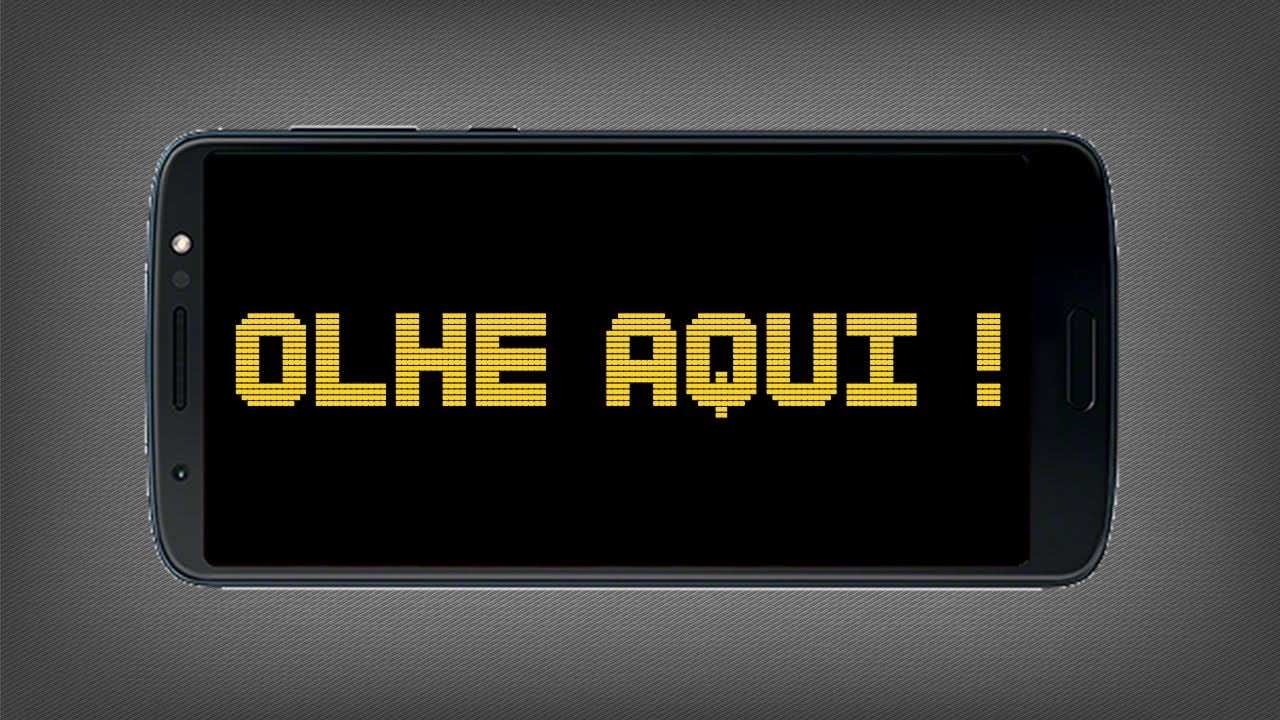
Have you ever thought about using your mobile device as an LED panel to display moving messages, whether to support your football team, to identify yourself in a meeting, to greet someone who is far away, or for other possibilities?
Well, this is possible through the apps to make digital signage on mobile. Therefore, to help you understand more about the apps to make digital signage on mobile, we have prepared today's article on the subject.
Want to know more? So follow right now!
What are the best apps to make a digital sign on your cell phone?
LED Digital Sign
The first option is the LED Digital Sign, which allows the user to adjust the speed, size, direction of movement, and type of flashing of the phrase they want to display, which can also be accompanied by an emoji to reinforce the message.
The app is free, with ads, and offers an optional purchase to remove the ads. It is available for... android.
LED Sign – Scrolling Text
Now we look at the LED Sign – Scrolling Text and, well, it does pretty much the same thing. It allows you to write the message, choose the speed, color, flashing effect, and the direction in which the text moves on the screen.
While it's true that the app is a bit simpler than the previous option, it makes up for it with its lightweight design: it opens quickly and works well even on older phones. Free for android.
LED Banner
Now, let's look at the LED Banner, which is also very comprehensive.
In this sense, the application seeks to offer a sense of realism by allowing the user to select the shape of the LED matrix dots between square and round, in addition to displaying adjustable brightness in the preferences.
Obviously, it also allows you to choose font size, color, offset, movement, and other details, and can even serve as an image generator. Free for android.
LED Scroll Display
The LED Scroll Display transforms your smartphone into a stand for displaying all kinds of messages. Your phone becomes a digital panel where you can write any phrase you want.
Want to send a sweet message to someone across the room? Need a way for your friends to find you in the hustle and bustle of a festival? Organizing an event and want to mark the entrance?
For all of this, this app can be useful. With LED Scroll Display you choose the color of the letters and the background color, from ready-made options or a custom color. Free for android.
Here's a practical tip for any of them: set the screen brightness to maximum and disable auto-lock before using the message, otherwise the screen will turn off mid-message. Did you enjoy learning more about the best ones? apps to make digital sign on cell phone? So be sure to follow the other articles on the blog, we have many other news for you!
See too:
Apps to change gender: 3 good options
Satellite apps: what can you see from your home?
Apps to make free virtual invites
Criteria that make a difference in the choice
- Last updated and supported. An application without a recent update tends to break with the next system version.
- Permissions requested. An app should only request what it needs to function. Requests for access to contacts, messages, or accessibility without reason are a red flag.
- It works offline. If the task is local, requiring a connection means that your data is being sent to a server.
- Billing model. Check if it's free with ads, pay-per-view, or subscription-based — and the price range for in-app purchases.
What these apps don't do
It's important to know what's beyond the reach of this category—that's what avoids frustration and, most importantly, prevents falling for those who promise the impossible.
- They can't do what the device's hardware doesn't allow. A feature without a corresponding sensor doesn't exist in software.
- The free version often limits exports, applies a watermark, or restricts the number of uses per day.
- A high rating in the store doesn't guarantee quality: it's worth reading recent, negative reviews.
- An app that promises impossible results usually exists only to display advertising.
Frequently Asked Questions
Does it consume a lot of battery?
Check the usage per app in the settings and restrict background activity for any that are high.
Does it work without internet?
It depends: those that process on the device work offline; those that depend on a server require an internet connection.
Is it safe to install?
Download from the official store, check the developer, the date of the last update, and the permissions requested.
Is the app free?
Generally, the download is limited or may include advertising. Check the price range for in-app purchases on the store page.
Does it take up a lot of space?
The size appears in the store, but it increases with use due to caching. Clearing the cache frees up space without losing settings.
What to do, in order.
- Try the free version before you pay. Check if the feature you want is outside the free plan—it usually is.
- Check if it works offline. If the task is local but still requires a connection, your data is being sent to a server.
- Check what the app asks for during installation. Compare the permissions with what it actually does. It's the quickest test of trustworthiness.
- Adjust the notifications on the first day. Leaving everything plugged in is the most common reason for uninstallation in the first week.
Where most people slip
- Believing in a feature that the device's hardware does not support.
- Choosing based on average rating without reading recent negative reviews.
- Ignore the fact that the free version limits exports or applies a watermark.
- Granting access to contacts, messages, or accessibility without a clear reason.
Before installing: what's already on the device
It's worth opening the search in your phone's settings before installing: Android and iPhone already have several built-in functions, and the native app usually consumes less battery and doesn't ask for any permissions beyond what's necessary.
Where is a cell phone sign actually used?
Small-screen digital signage has specific uses, and each requires a different configuration of the same application.
At shows and events, the audience holds their cell phones horizontally, with an artist's name scrolling on the screen, so they can be seen from the stage or appear on video. The reading distance there is only a few meters, and the environment is dark, which helps a lot.
In the display case and on the counter, the appliance sits still, displaying a short notice: closed for lunch, we accept cards, today's special. The distance is short, but the ambient light is strong and works against you.
In a doctor's office and small clinic, the sign displays a number or the name of the next person. Here, the reading takes place a few meters away, with people seated.
At parties and gatherings, its use is decorative: a birthday message scrolling while the phone rests against something.
And there's the use for recording, when the title card is the subject of the video. In that case, the reading distance is that of the camera, and the problem ceases to be visual and becomes one of pacing.
Contrast and font size determine readability.
Two variables determine whether someone can read: the contrast between text and background, and the font height.
Light text on a black background is the combination that works best at a distance, and it also saves energy on OLED screens, where the black pixel is turned off. Yellow, white, and green on black perform better than combinations of two strong colors, such as red on blue, which are vibrant and tire the eyes.
Regarding size, there's a practical rule of thumb for signage, used for decades: approximately 1 centimeter of letter height for every 3 meters of reading distance.
Apply this to a cell phone and the limitation becomes evident. A large-screen device is around 7 centimeters wide and 15 centimeters high. Lying down, with the text occupying almost the entire usable height, you get something around 5 centimeters of text, which corresponds to approximately 15 meters in ideal conditions, without light hitting the screen and without people in front of it.
When displayed vertically, with font heights of 6 to 7 centimeters, the image quality improves slightly. This is why all apps of this type open horizontally by default.
A short sentence beats a long sentence.
Scrolling text forces the reader to follow the movement and assemble the sentence from memory. The longer the message, the greater the chance that the person will miss the beginning.
A word or two, repeated in a cycle, can be read by anyone at any speed. A ten-word sentence demands continuous attention that no one gives in a shop window.
Scrolling speed works the same way. High speed appears more noticeable on your device's screen, half a meter from your eyes, and ruins readability at ten meters. Adjust it considering where the person will be reading from, not where you are configuring it.
In typography, the path is as simple as possible:
- Sans-serif font with uniform stroke thickness.
- Without italics, which breaks the vertical alignment of the letters.
- No shadows, double outlines, or highlights, which thicken the line and blur the outline from a distance.
- No decorative lettering and no condensed font, which closes the internal space of the letters.
- Capital letters should only be used in very short texts, because in long sentences they hinder readability.
Maximum brightness is what makes it work, and it comes at a high price.
No font adjustment compensates for low brightness in a bright environment. The lettering only appears visually if the screen is at maximum brightness, with automatic brightness turned off to prevent it from dimming on its own.
This has three consequences. The first is consumption: the screen is the component that consumes the most battery power in a cell phone, and at maximum power it consumes much more than at the average level.
The second issue is heat. A screen at maximum brightness for hours heats up the device, and the system reacts by reducing the brightness to protect itself. The logo starts bright and fades without anyone having touched it.
The third factor is the power source. Prolonged use requires the charger to be plugged in, and charging while the screen is at maximum brightness increases the heat even more. A moderate-power charger generates less heat than a fast-charging charger in this scenario.
Regarding the screen itself: on an OLED panel, a static image displayed for many consecutive hours can leave a faint and persistent mark, known as image retention. Moving text reduces this risk precisely because no pixel remains lit in the same color all the time. A black background helps for the same reason.
Prepare the device before leaving it on for hours.
Setting up the application is half the job. The other half is in the system:
- Increase the time until the screen turns off, or enable the option to keep the screen on while charging.
- Turn on Do Not Disturb mode, or airplane mode when you don't need a network connection, so that no notifications cross the screen.
- Lock the rotation in the chosen position, otherwise any movement will flip the screen.
- Turn off automatic brightness and leave the brightness control at maximum.
- If there is more than one person nearby, consider pinning the app to the screen so no one accidentally exits it.
In terms of physical support, a firm base matters more than it seems. An appliance resting on a glass or leaning against a wall will fall, and it will fall precisely when no one is looking. In a shop window, direct sunlight behind the glass is the appliance's main enemy.
When the cell phone screen ceases to be the right tool.
There's an honest limit to this. Above fifteen or twenty meters, or in an environment with direct sunlight, no adjustment will save a screen of just a few centimeters.
LED panels exist because they emit much more intense light and have a much larger area. A tablet solves part of the problem because it has a larger screen, and a TV connected to a simple computer solves the rest.
The cell phone is the right solution for close-quarters reading, temporary use, and situations where improvisation is more important than polished results.



