Blocking unwanted numbers is a common necessity these days as spam and telemarketing calls have become more and more frequent. If you want to protect yourself from these calls and maintain your privacy, it's important to learn how to block these numbers.
Fortunately, there are many app options available on the market that can help you with this task. In this article, we are going to present the best options and explain how they work so that you can choose the best one for your needs.
By blocking unwanted numbers, you can avoid unnecessary interruptions and focus on what's important during your day. Read on to find out more about this solution.
What are apps to block unwanted numbers?
Unwanted caller blocker apps are tools that allow users to block calls and messages from unknown, unwanted or considered spam numbers. They offer effective protection against unwanted calls, reduce the number of interruptions during the day and maintain users' privacy.
How do call blocking apps work?
Call blocking apps work in a simple way. They scan the user's contact list and automatically identify calls and messages from unauthorized numbers.
Then the numbers are blocked and calls and messages are not received. Some apps also allow users to manually block specific numbers, including telemarketing calls.
Key features of apps to block unwanted numbers
- Caller ID: Show caller name or number on mobile screen
- Call blocking: prevents unwanted calls from being received
- Message blocking: prevents unwanted text messages from being received
- Blacklist: allows the user to create a list of numbers for manual blocking
- White list: allows the user to create a list of numbers to allow calls and messages
- Customizable Settings: Allows the user to adjust the settings to suit their needs
The best apps to block unwanted numbers
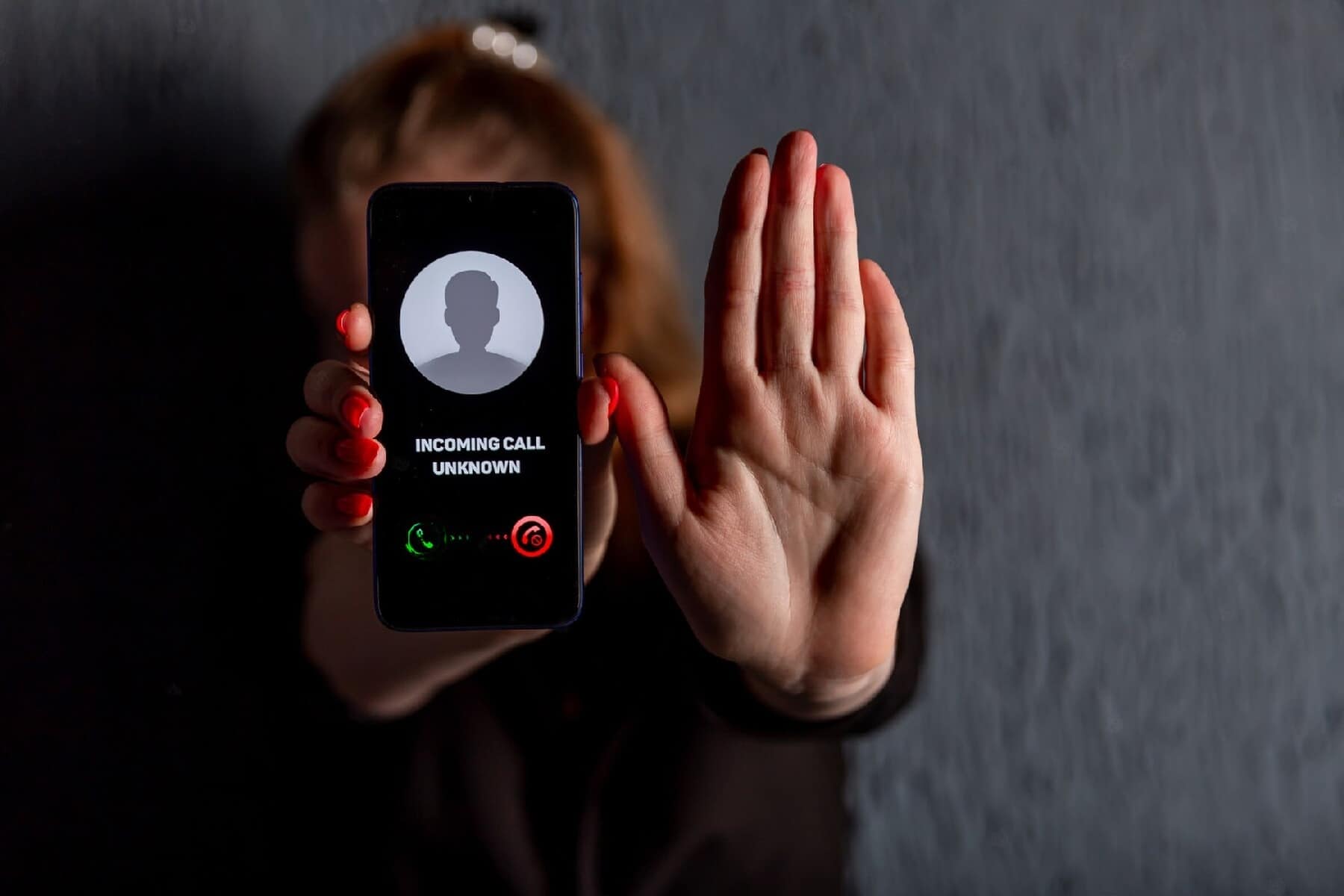
Here are the best options available for smartphone users.
truecaller
Truecaller is one of the most popular call blocking apps. It automatically identifies spam calls and messages and allows users to manually block unwanted numbers.
The app also shows the name and photo of the caller even if the number is not saved in the contact list. With Truecaller, you can enjoy a telemarketing and spam free experience, and protect yourself from fraud and scams.
hiya
Hiya is another popular call blocking app. It identifies spam calls, text messages and telemarketing calls. Hiya also shows information about the caller, including name, location and type of business.
With Hiya, you can protect yourself from unwanted calls and avoid interruptions during the day, ensuring your privacy and security.
Mr. Number
Mr. Number is an app for blocking calls and text messages. It allows users to create a blacklist to manually block specific numbers, as well as automatically identify spam calls.
The app also shows the name of the caller on the mobile screen. With Mr. Number, you can customize your call and message blocking settings to suit your needs and get rid of unwanted calls and spam messages.
Whoscall
Whoscall is another popular app for blocking calls and text messages. It automatically identifies spam and telemarketing calls and allows users to create a blacklist to manually block specific numbers.
The app also shows detailed information about the caller including the name, location, type of business and spam rating. Whoscall also has a privacy protection function, which helps to keep your personal information safe.
With Whoscall, you can get rid of unwanted calls and enjoy a smoother and more secure experience with your phone.
Check also:
- Spy Apps: How to Download and Use
- Memory full? Check out 3 Apps to clean your cell phone
- Apps to Get Free WiFi
Conclusion
Unwanted number blocking apps are useful tools to protect privacy, avoid unnecessary interruptions and prevent fraud and scams.
With the options available on the market, you can choose the application that best suits your needs.
Be sure to try the options presented in this article and find the best solution for you.
Criteria that make a difference in the choice
- Billing model. Check if it's free with ads, pay-per-view, or subscription-based — and the price range for in-app purchases.
- What the app actually does. Compare the description on the store page with recent reviews. The difference between the two often reveals what the advertisement omits.
- Last updated and supported. An application without a recent update tends to break with the next system version.
- Permissions requested. An app should only request what it needs to function. Requests for access to contacts, messages, or accessibility without reason are a red flag.
What these apps don't do
It's important to know what's beyond the reach of this category—that's what avoids frustration and, most importantly, prevents falling for those who promise the impossible.
- They can't do what the device's hardware doesn't allow. A feature without a corresponding sensor doesn't exist in software.
- The free version often limits exports, applies a watermark, or restricts the number of uses per day.
- A high rating in the store doesn't guarantee quality: it's worth reading recent, negative reviews.
- An app that promises impossible results usually exists only to display advertising.
Frequently Asked Questions
Is it safe to install?
Download from the official store, check the developer, the date of the last update, and the permissions requested.
Does it work without internet?
It depends: those that process on the device work offline; those that depend on a server require an internet connection.
Does it consume a lot of battery?
Check the usage per app in the settings and restrict background activity for any that are high.
Is there a native alternative?
It's worth checking out. Android and iOS come with several ready-made functions that eliminate the need to install another app.
Does it take up a lot of space?
The size appears in the store, but it increases with use due to caching. Clearing the cache frees up space without losing settings.
What to do, in order.
- Check what the app asks for during installation. Compare the permissions with what it actually does. It's the quickest test of trustworthiness.
- Adjust the notifications on the first day. Leaving everything plugged in is the most common reason for uninstallation in the first week.
- Review your consumption after one week. In the settings, view battery and data usage by app and restrict any that are high.
- Try the free version before you pay. Check if the feature you want is outside the free plan—it usually is.
Where most people slip
- Ignore the fact that the free version limits exports or applies a watermark.
- Granting access to contacts, messages, or accessibility without a clear reason.
- Installing multiple applications that do the same thing, all running in the background.
- Believing in a feature that the device's hardware does not support.
The alternative that is already included in the system
It's worth opening the search in your phone's settings before installing: Android and iPhone already have several built-in functions, and the native app usually consumes less battery and doesn't ask for any permissions beyond what's necessary.
The national registry created by order of Anatel.
Before installing anything, there is an official and free way to do this in Brazil. The "Do Not Disturb" registry was created by a requirement of Anatel (the Brazilian telecommunications regulatory agency) and brings companies together in a single blocking point.
The registration is done by the consumer, using the phone number they want to protect. There is no charge, and the registration is valid for both landlines and mobile phones.
The reach is defined by who has joined. The system includes telephone, cable TV, and internet providers, as well as financial institutions that have joined the registry. Once registered, these companies are prohibited from calling that number to offer products or services.
The blocking is not instantaneous. There is a period of a few days between registration and the moment when companies begin to respect it, because the lists need to be distributed and updated. A call received the day after registration does not mean that the system has failed.
The lists from the Procons and the prefix 0303
In addition to the national registry, several state consumer protection agencies (Procons) maintain their own telemarketing blocking lists. These are independent registries, also free of charge, with rules defined by state law. Those who live in a state that offers the service can register with both and expand their coverage.
There is also a helpful measure on the device. Anatel has determined that telemarketing calls must use the prefix 0303. This makes the caller's origin recognizable before answering.
This standardization opens up a possibility that the individual list does not offer: blocking the entire range. Instead of noting down each number individually, it's possible to treat the entire prefix as unwanted, either by blocking by the beginning of the number, or simply by knowing that it's not worth answering.
If the call persists even after registration, the course of action is to file a complaint with Anatel against the company that called. The complaint informs the regulatory body and serves as proof that the violation was reported.
Why does the device lock always chase after it?
The call is delivered to your device via the carrier's network. Only after that does the phone decide what to do. Local blocking doesn't prevent the call from happening: it acts once the call has already arrived, silencing the ring or ending it immediately.
On the other hand, those making mass calls have a large stock of numbers and are constantly switching lines. There is also caller ID spoofing, where the number displayed on the screen is not the actual originating number, sometimes mimicking a local area code to increase the chance of being answered.
The result is arithmetic. Blocking one by one means adding a line to the list after the inconvenience has already occurred, while the other side generates new numbers faster than you can write them down.
That's why it's more effective to work with patterns than with individual names. Filtering by area code range, rules for numbers not in the contact list, automatic triage that answers and asks who's calling before ringing, and a collaborative database fed by reports from other users cover the volume that a manual list never achieves.
Where to block when the call isn't a call.
Much of the current problem doesn't go through the phone network, which is why it keeps coming through even when everything is blocked.
- Message in a chat application. It travels through the internet, not through the carrier. Blocking needs to be done within the app itself, using the option to block and report the contact. Groups where someone added you have their own control, in the settings of who can add your number.
- SMS with alphanumeric sender. When a name appears instead of a number, there is no number to block. The solution is to report the message as spam through the messaging app and, if present, use the unsubscribe word indicated in the text.
Using the LGPD to cut the problem at its source.
Blocking treats the symptom. The General Data Protection Law allows you to attack the cause, which is your number circulating in third-party databases.
The law guarantees the data subject the right to know what data a company holds about them, the right to object to data processing for marketing purposes, and the right to request the deletion of their data. This request is made to the company's data protection officer, whose contact information is usually found in the privacy policy.
It's advisable to specify what you want when making the request: removal of your number from commercial contact databases and objection to the use of your data for product offers. Keep the protocol number and the date.
The golden rule against fake bank employees.
Not every unwanted call is trying to sell you something. Some just want your money, and the script is always similar: someone poses as a bank employee, warns you about a suspicious purchase, and leads the victim to confirm their information, provide a code received via text message, or hand over their card to a courier.
Defense doesn't depend on recognizing the scam by voice or the number on the screen, which can be faked. Hang up and call back using the phone number printed on the back of the card or published in the bank's official app.
Two sentences seal the deal: banks don't ask for passwords over the phone, and banks don't send anyone to your home to pick up your card. Codes received via SMS or authenticator app should never be shared with anyone, under any circumstances.