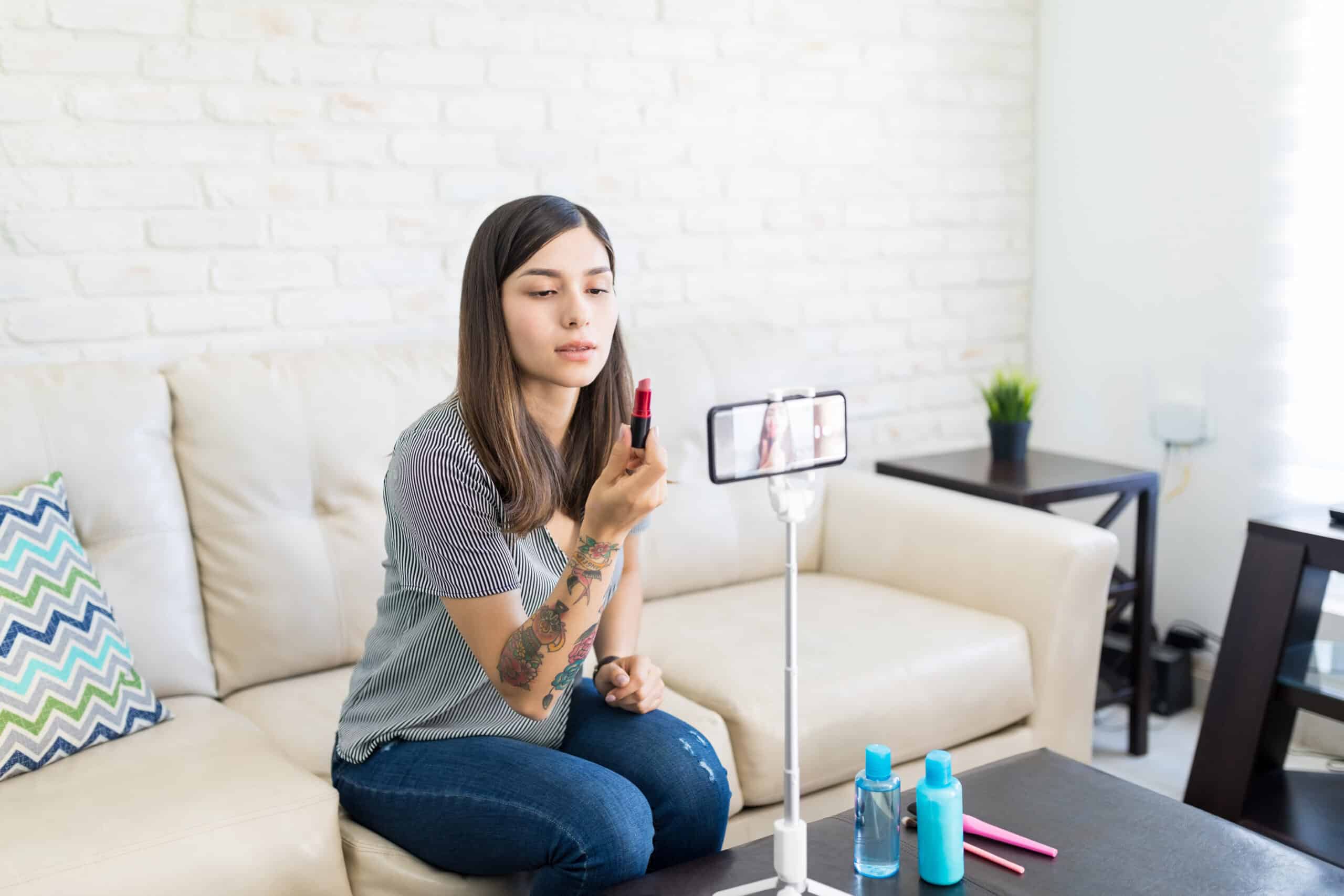
The world of beauty is constantly evolving, and with the popularization of smartphones, trying on a new lipstick has become a matter of seconds. Today there are... apps for applying makeup on your phone that apply foundation, eyeshadow, eyeliner, and contour in real time on the front camera, without spending a penny on product.
But with so many options in the stores, how do you choose the one that deserves space on your phone? Below are three apps that we checked on the Brazilian Google Play and App Store, with information that is usually hidden in the advertising: which systems they actually exist on, whether they display ads, and whether they charge internally.
3 apps for applying makeup on your phone
All three are available for Android and iPhone and can be downloaded for free. However, in all of them, the free download is just the entry point: the store listings show ads and in-app purchases, and many of the more elaborate filters are only available through a paid plan.
YouCam Makeup
YouCam Makeup, from Perfect Mobile Corp., is one of the most popular in its category. It covers everything from simple skin corrections to complete makeup looks, with ready-to-go options for every occasion and fine-tuning of color for each item.
In addition to makeup, it allows you to test haircuts and hair colors, contact lenses, and accessories, which helps you visualize a change before booking an appointment at the salon.
Where to download: Google Play and App Store. The download is free. The Play Store listing indicates that the app contains advertisements and has in-app purchases; In the App Store, the Premium subscription appears for R$ 31.90 per month or R$ 125.90 per year.
Perfect365
Perfect365 stands out for its straightforward interface: you choose a ready-made look and the app applies foundation, blush, eyeshadow, and lipstick all at once, leaving manual adjustments for later. It's a good entry point for those who have never used virtual makeup before.
It also includes retouching tools, such as skin smoothing and dark circle correction, and allows you to save your own presets to replicate the same result on other photos.
Where to download: Google Play and App Store. Free download, with the Play Store listing indicating that the app... contains advertisements and has in-app purchases. The Perfect365 PLUS plan costs R$ 39.90 per month or R$ 129.90 per year on the App Store.
MakeupPlus
MakeupPlus, by EveLab Insight, is geared towards those who love trends. The catalog is organized by styles and collections, with options for Korean makeup, party looks, and more graphic effects, applied both to saved photos and live via the camera.
It also includes hair color simulation and retouching tools, functioning as a complete face editor in addition to the makeup module.
Where to download: Google Play and App Store. Free download; the Play Store listing indicates that the app contains advertisements and has in-app purchases. MakeupPlus Premium is available for R$ 26.90 per month or R$ 132.90 per year on the App Store.
And ModiFace, does it still exist?
ModiFace was, for years, one of the leading virtual makeup try-on apps, and it still appears on older lists of top apps. However, it ceased to exist as a standalone app: the company was acquired by L'Oréal, and its technology was incorporated into other products.
In practice, this means that today you won't find an app called ModiFace to download on Google Play. What exists are apps and websites from cosmetics brands that use its augmented reality engine internally, without bearing the brand name. Therefore, it was removed from this list: recommending a download that is no longer available in the app stores would only be a waste of your time.
How to choose the best makeup app
With so many options available, it's worth using some criteria before installing:
- Check out what's really free: Open the app's listing in the app store and see if the warnings "Contains ads" and "In-app purchases" appear. All three apps on this list have both.
- Analyze the makeup catalog: Check if the app offers the items you use most often, such as eyeliner, lashes, or contouring, and not just generic filters.
- Evaluate the quality of the fit: Test the intensity and skin tone controls. A good app leaves a natural result instead of erasing the texture of the face.
- Check compatibility: Please confirm that the app runs on your Android or iOS version, and that the live camera mode works properly on your device.
- Read recent reviews: Reviews from the last few months show whether the app has become heavier, filled with ads, or has crashed into features that were previously free.
Advantages of using virtual makeup apps
Testing makeup on your phone has some clear advantages:
- Practicality: You can try out a look anytime, without taking anything out of your makeup bag.
- Economy: You see how a lipstick shade looks on your face before you buy it.
- Apprenticeship: Those who are starting out understand where each product goes without fear of making mistakes.
- Fun: More extravagant looks make for great photos and cost nothing to try.
See also
- Apps to change home wall color
- Apps to learn how to do makeup on your phone
- Apps to duplicate people in photos and videos
Conclusion
Virtual makeup apps have become good enough to serve both beginners and those already skilled in the subject who want to test a trend before buying the product. YouCam Makeup, Perfect365, and MakeupPlus cover this area well and can be installed for free from both app stores.
It's worth remembering that "free" here means free download: all three display ads and sell plans within the app. If you only intend to use the basics, the free version will suffice; if you want to export in high resolution and unlock all the looks, get ready for a subscription.
Availability and prices checked in Brazilian stores on August 1, 2026. Found an app that's offline or has a different price? Write to contato@moblander.com and we'll update it.
Criteria that make a difference in the choice
- Preserve the original. Good editors save a copy. Be wary of any app that overwrites the file directly.
- Where do your images go?. Tools that use cloud processing upload the photo. Read the policy before sending an image of a document or a child.
- It works without internet. Editors who process photos on their own device work offline. Those that rely on a server do not—and send your photo externally.
- Resolution of the exported file. Some reduce the image size when exporting without a signature. If the photo is for printing, this is a crucial factor.
What these apps don't do
It's important to know what's beyond the reach of this category—that's what avoids frustration and, most importantly, prevents falling for those who promise the impossible.
- They don't recover details that don't exist in the file. Increasing the resolution reconstructs pixels by estimation—it doesn't reveal lost information.
- Beauty filters alter the image; they don't alter the person. It's important to remember this when comparing the result to an unedited photo.
- No app can see through clothes or walls. What exists is simulation — a generated image, not a captured image.
- They don't remove watermarks from third-party photos. Besides not working properly, using the image without a license is a copyright violation.
Frequently Asked Questions
Does the photo lose quality when edited?
Each export recompresses the file. Edit once and save, instead of saving after each adjustment.
Can I edit without a watermark for free?
Yes, in several applications, but with limited features. Check beforehand by saving a test image.
Is the premium version worth paying for?
It's worthwhile if you edit frequently and need high-resolution export or to remove the watermark. For occasional use, the free version is sufficient.
Which format should I save it in?
JPEG for general use, PNG when there is transparency or text, and the original format when archiving.
Is a free editor safe?
Check the permissions requested. A photo editor does not need access to contacts, messages, or microphone.